
Monitor Makers and Models
ASUS vs Dell Monitors: Which Brand to Buy?
ASUS vs Dell monitor: compare panel quality, features and fit for work, then pick the ASUS or Dell screen that matches your desk and daily tasks.
We compare office monitors by the things you notice at work: how big the screen is, how sharp the text looks, which cable it needs and whether it charges your laptop. Start with the size you're thinking about, the computer you use or the brand you trust.
ASUS vs Dell monitor: compare panel quality, features and fit for work, then pick the ASUS or Dell screen that matches your desk and daily tasks.

23 inch vs 27 inch monitor: compare desk fit, sharpness at arm's length and everyday comfort, then pick the size that suits your work setup.

Acer vs Dell monitors: compare panel quality, stand adjustability and office comfort, then choose the brand that fits your desk and daily work.

Dell S2725QC vs Dell U2725QE: compare panel quality, color coverage, ports and ergonomics to pick the right 27-inch 4K Dell monitor for your desk.
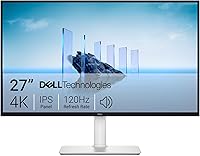
Compare a 27 vs 32 inch monitor for work by desk space, screen detail and viewing distance, then choose the size that fits your office routine.
Compare a 4K vs 1440p monitor for work by text clarity, workspace, scaling and cost. Choose the Dell or Samsung display that fits your desk and tasks.
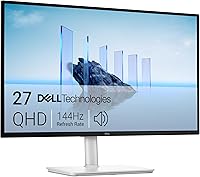
Are Dell monitors good for a home office? Compare screen sizes, resolutions, adjustable stands, and useful Dell options for different desk and work needs.

Are LG monitors good for work? Compare their 4K and QHD options, useful features, and tradeoffs to find an LG monitor that fits your desk and devices.
Compare the best 1440p monitor for work by screen adjustment, color features and connections. Find a QHD fit for spreadsheets, creative tasks and daily desk use.